This is NASEBANAL's update for October. First, the NASEBANAL Growth web app leaves beta and becomes the official release today. The iPhone app is currently in App Store review, and we will release it as the official version as soon as it is approved.
NASEBANAL Growth, the app bundling Target, Recorder and Stopwatch that we introduced as a closed beta in our previous post, is now out of beta. For Growth, this post covers the unified web frontend and the dashboard, notifications for changes to shared items, and the new pricing. It also brings updates from across NASEBANAL: My Apps, the support page, and Dentiscope, a sample demo of an AI application.
Growth: one web frontend, and a dashboard
On mobile, Target, Recorder and Stopwatch were already one app, but on the web they were still three separate frontends. We have now unified the web into a single app, NASEBANAL Growth, just as we did on mobile. A sidebar takes you between Dashboard, Target, Recorder and Stopwatch, and you sign in once. There is no more opening a different address for each tool, and web and mobile share the same structure, so it does not matter which one you start from. The three old web apps are replaced by Growth.
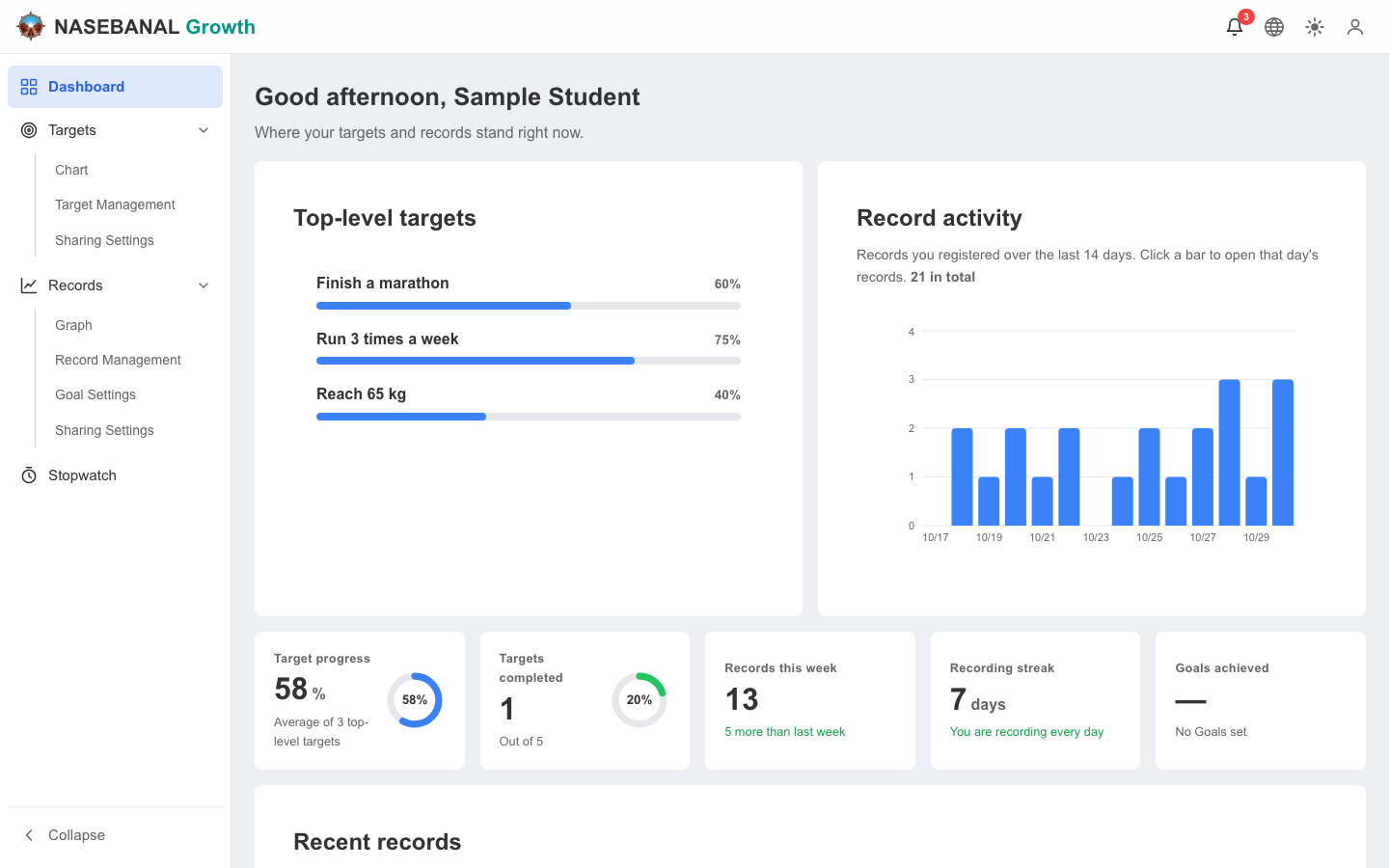
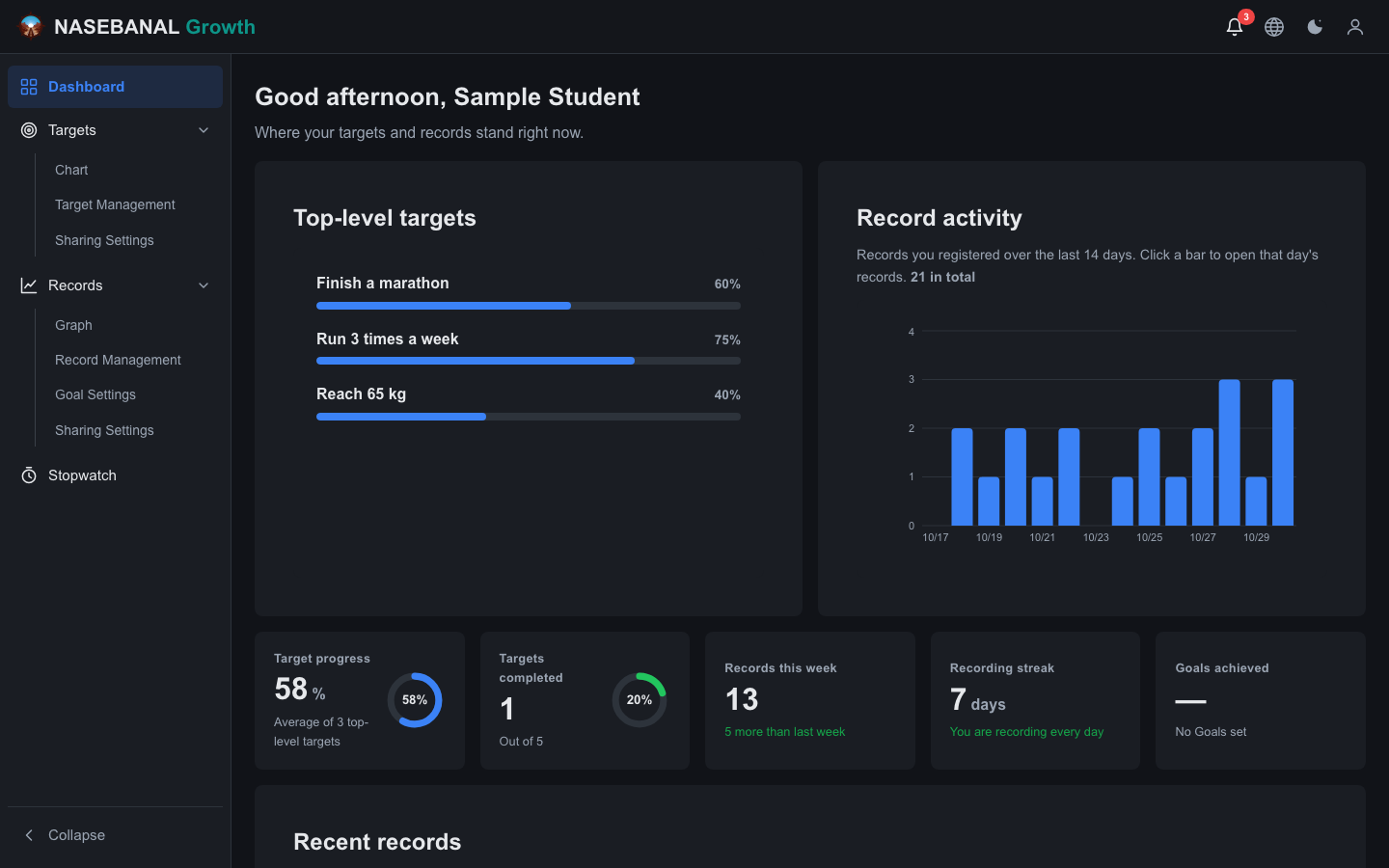
The home page is now a dashboard you read top to bottom, from target progress down to recent records. Web and mobile follow the same idea, and the mobile home screen has been rebuilt as the same kind of top-to-bottom dashboard, laid out for the phone screen.
- Progress of the top-level targets and the last 14 days of record activity
- KPI cards: target progress, targets completed, records this week, recording streak and goals achieved
- A list of the latest records
Each block leads into the tool's own screen. Click a target and the Target chart opens showing just that target; click a bar in the activity chart and the Recorder list opens for that day. Check what needs attention on the home screen, then dig into whatever caught your eye.
Growth: notifications for changes to shared items
When you share Targets or Recorder tags with someone, such as a coach and a student or a parent and a child, you want to know right away what the other person changed. Growth now has notifications (an inbox plus push). You are notified when:
- A share invitation arrives, is accepted, is rejected or is revoked
- Someone asks you to take over ownership
- A shared target (Target) is updated or deleted
- Records on a shared tag (Recorder) are added, updated or deleted
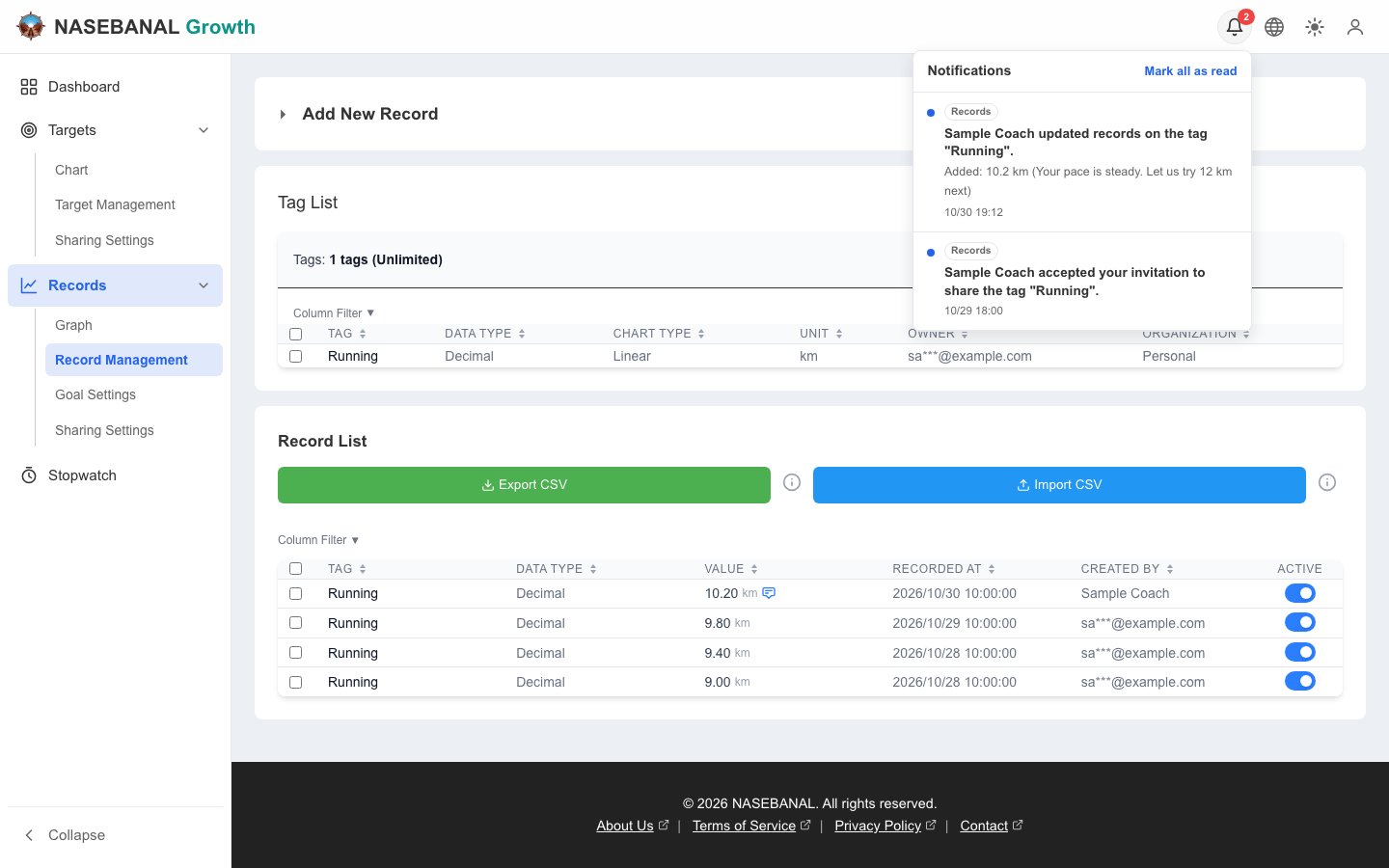
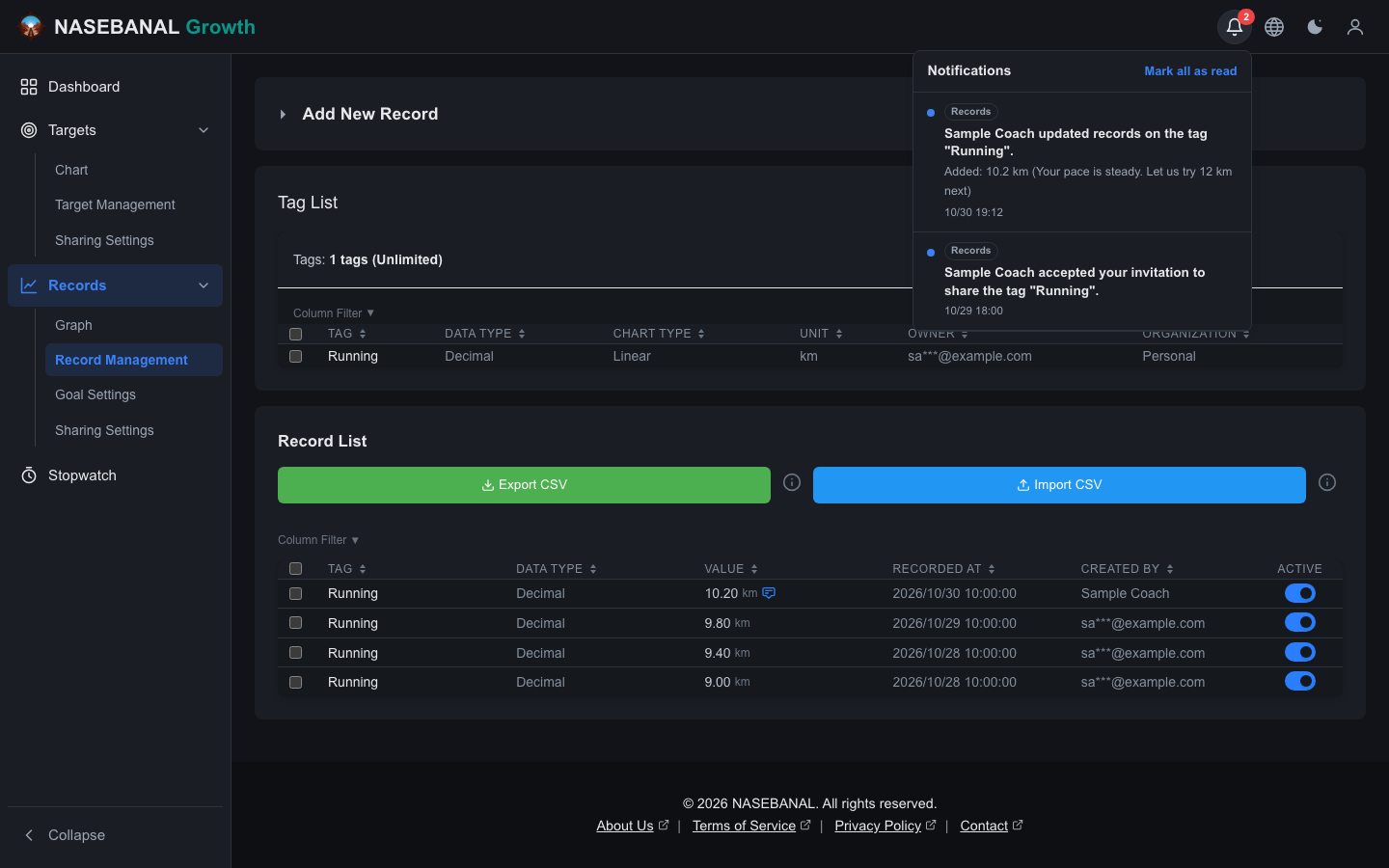
On the web they appear under the bell in the navigation bar; on mobile, under the bell on the home screen and in the notifications screen, and also as push notifications, so you notice a shared change even when the app is closed. Clicking one opens the record, target or share it is about. The two screens below show a student who has shared the target "Finish a marathon" and the tag "Running" with a coach. The first is the coach's screen: it notifies them of the share invitation for the target and of the target being updated, and opening a notification shows the shared target in the Target chart. The second is the student's screen, with the coach's acceptance of the tag share and the record the coach added with a comment; that record is in the Recorder list. Both people are told about the other's changes to the data they share (the names and data shown are samples).
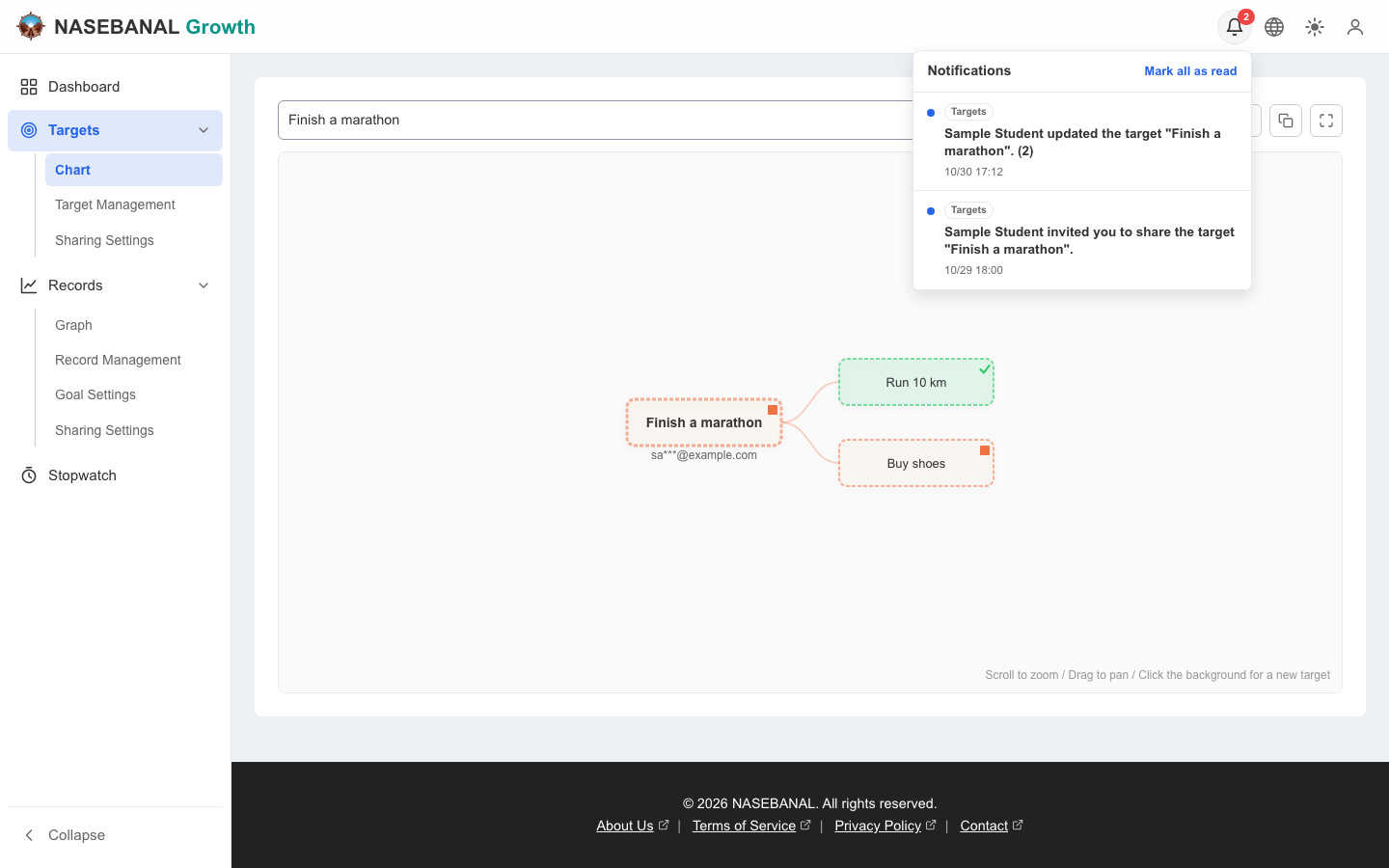
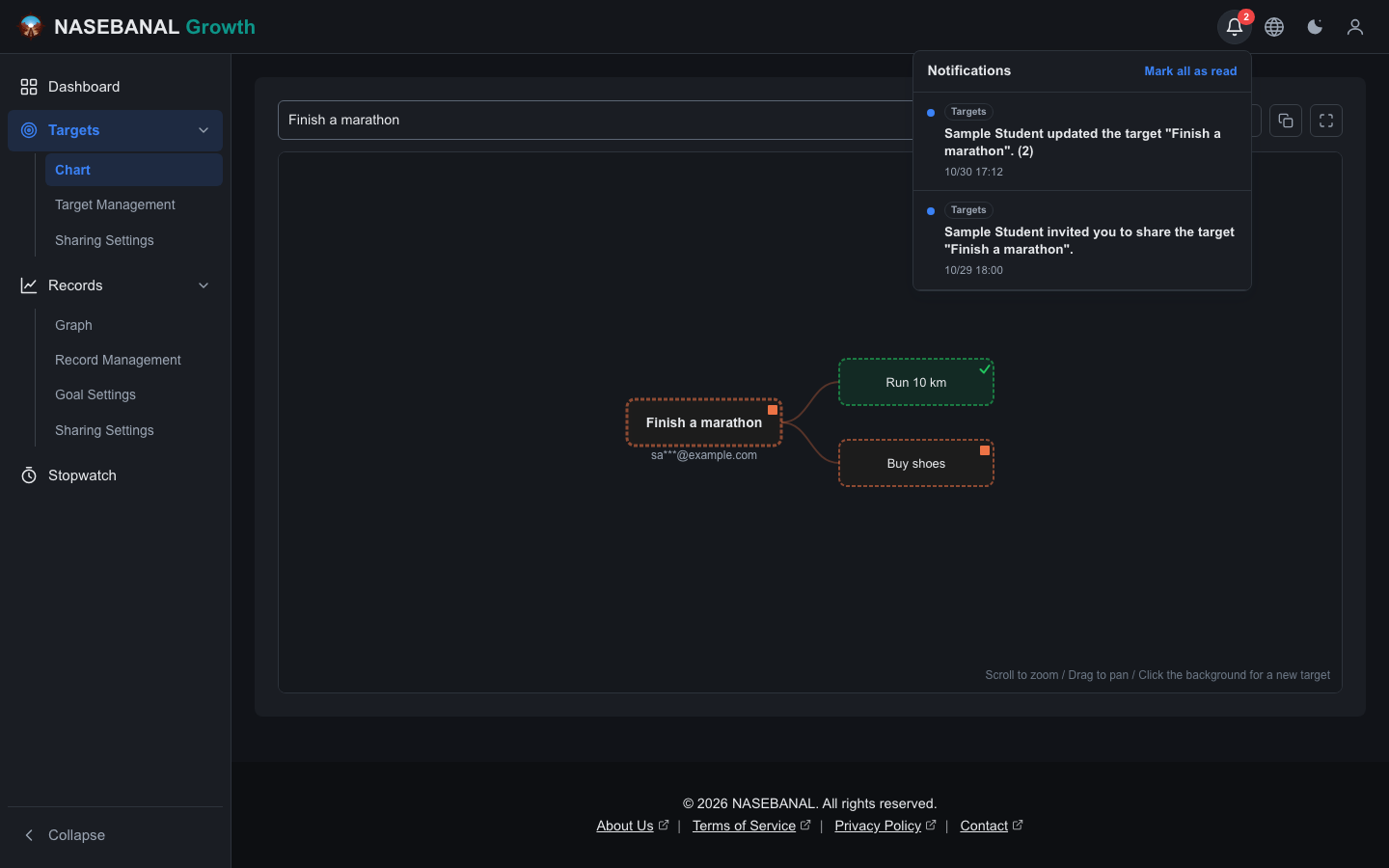
- Notifications about the same item are collapsed into one while unread, with the count and latest change updated, so a burst of edits does not flood you
- Mobile push text is deliberately generic. A lock screen is visible to others, so no record values or target names appear there; details show once you open the app
- Your own actions never notify you
Growth: pricing is now Free and Enterprise
During the beta we listed four plans: Free, Pro, Family and Enterprise. The release has two: Free and Enterprise. For personal use, Free now has what the Family plan had during the beta.
| Free | Enterprise | |
|---|---|---|
| For | Individuals | Organizations |
| Price | Free | Quoted and invoiced individually, according to your contract |
| Tags and goals | Unlimited | Set according to your contract |
| Sharing | Up to 10 shares, with write access | Set according to your contract |
| API tokens | Up to 20 | Set according to your contract |
We chose a form that one person can run and understand over a finer ladder of paid plans. For organizations, please get in touch through the contact form about Enterprise. Recorder's storage (100 MB) and record count (10,000) remain limited.
Common features: My Apps and the support page
The signed-in user menu now has My Apps and Support.
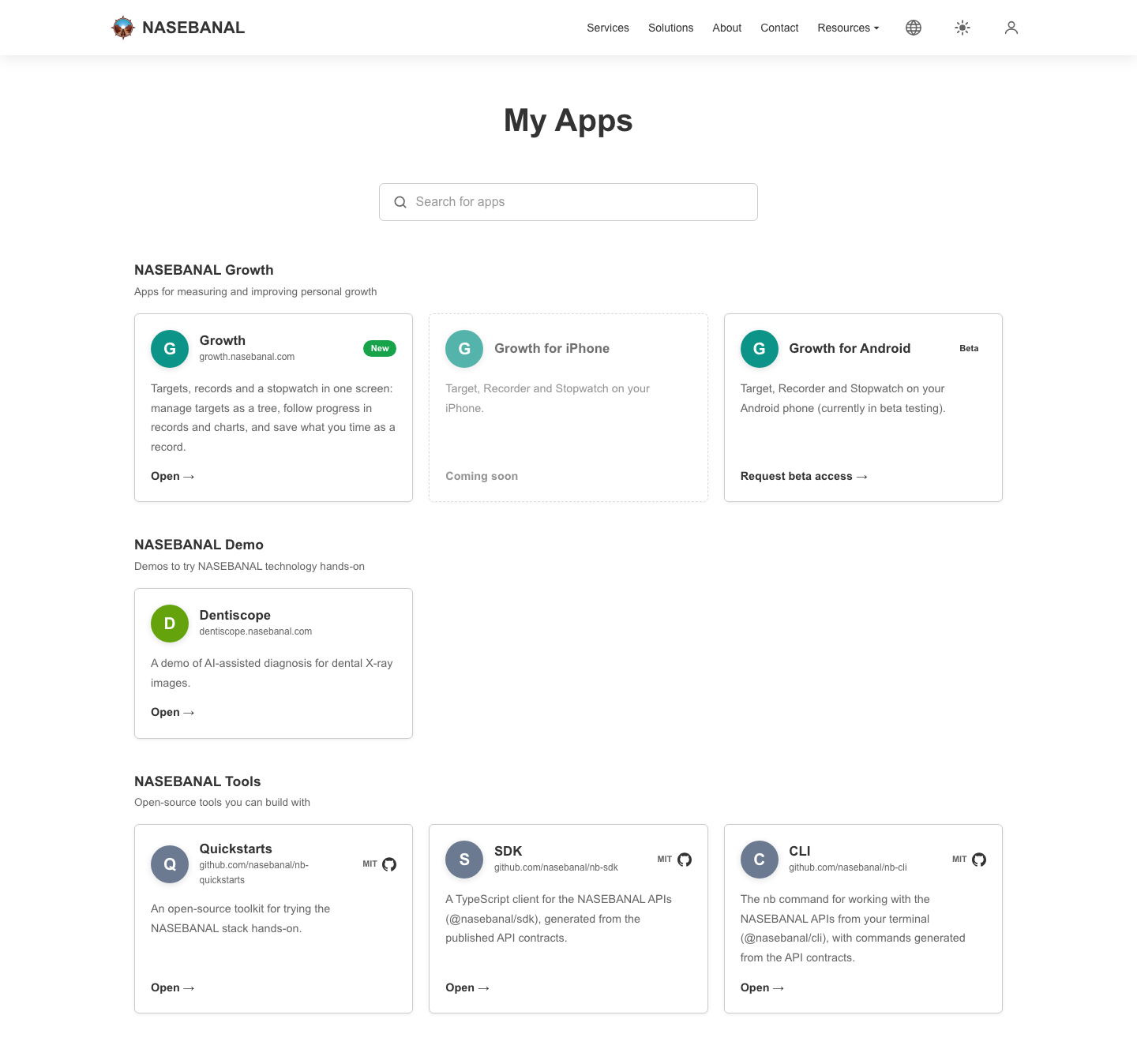
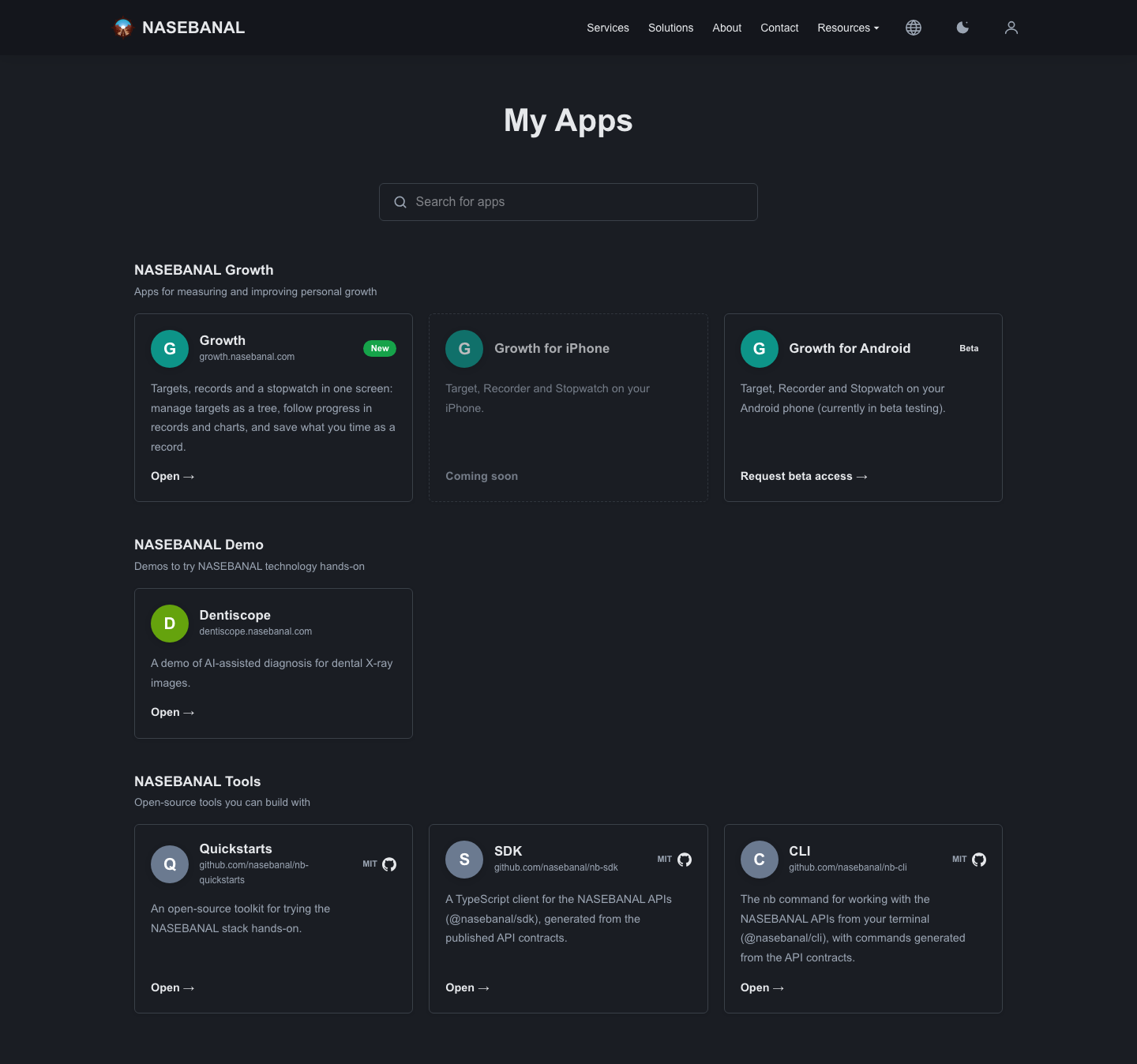
My Apps is a launcher that opens every NASEBANAL app from one place. It lists Growth (web, iPhone and Android), Dentiscope, a demo of AI-assisted diagnosis for dental X-ray images, and the open-source tools for developers (Quickstarts, SDK and CLI), grouped by product. As the apps multiply, this is where to find the way in. You can search it too.
Support is where you report bugs and request features (available once you are signed in). Your name and email address are already filled in from your account, so all that is left is to write the details. For questions about our products and services, please keep using the contact form on the home page.
Demo: Dentiscope, a demo of AI-assisted diagnosis for dental X-ray images, is now public
Dentiscope, which also appears in My Apps, is published as a sample demo of an application with AI built in.
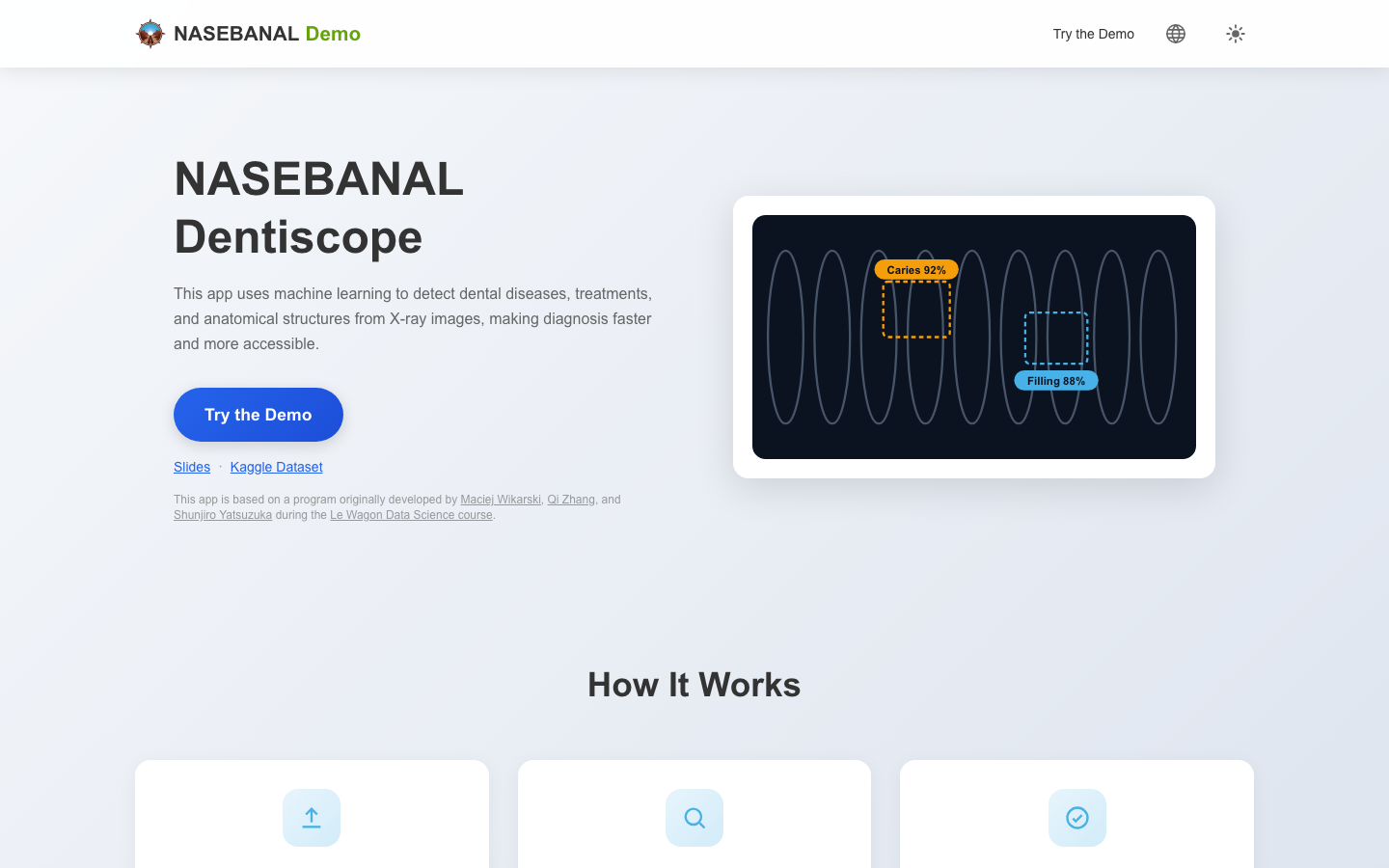
In the demo, running detection on a sample image (or an image you upload) shows the location of each finding, along with a detection summary of counts and confidence scores.
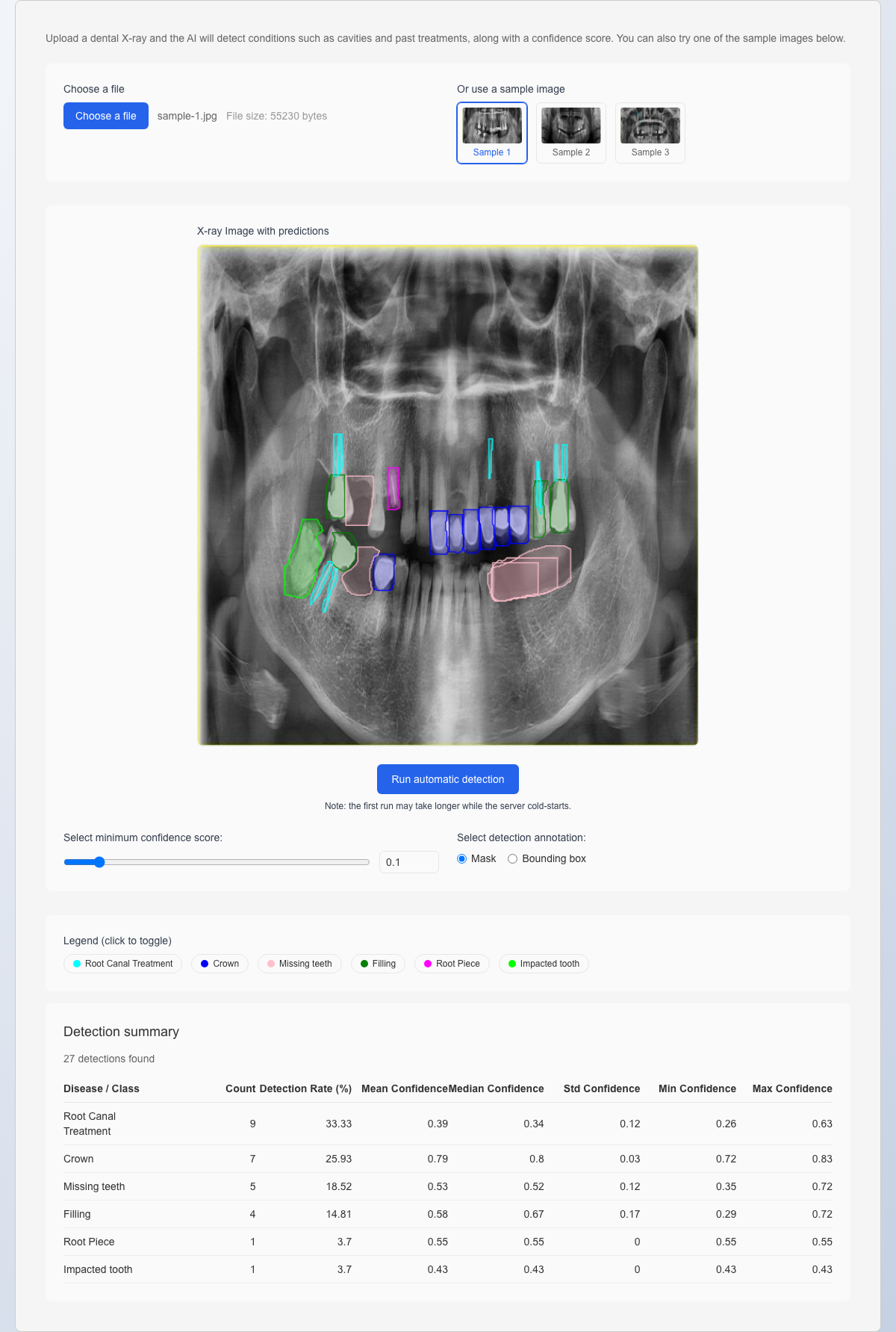
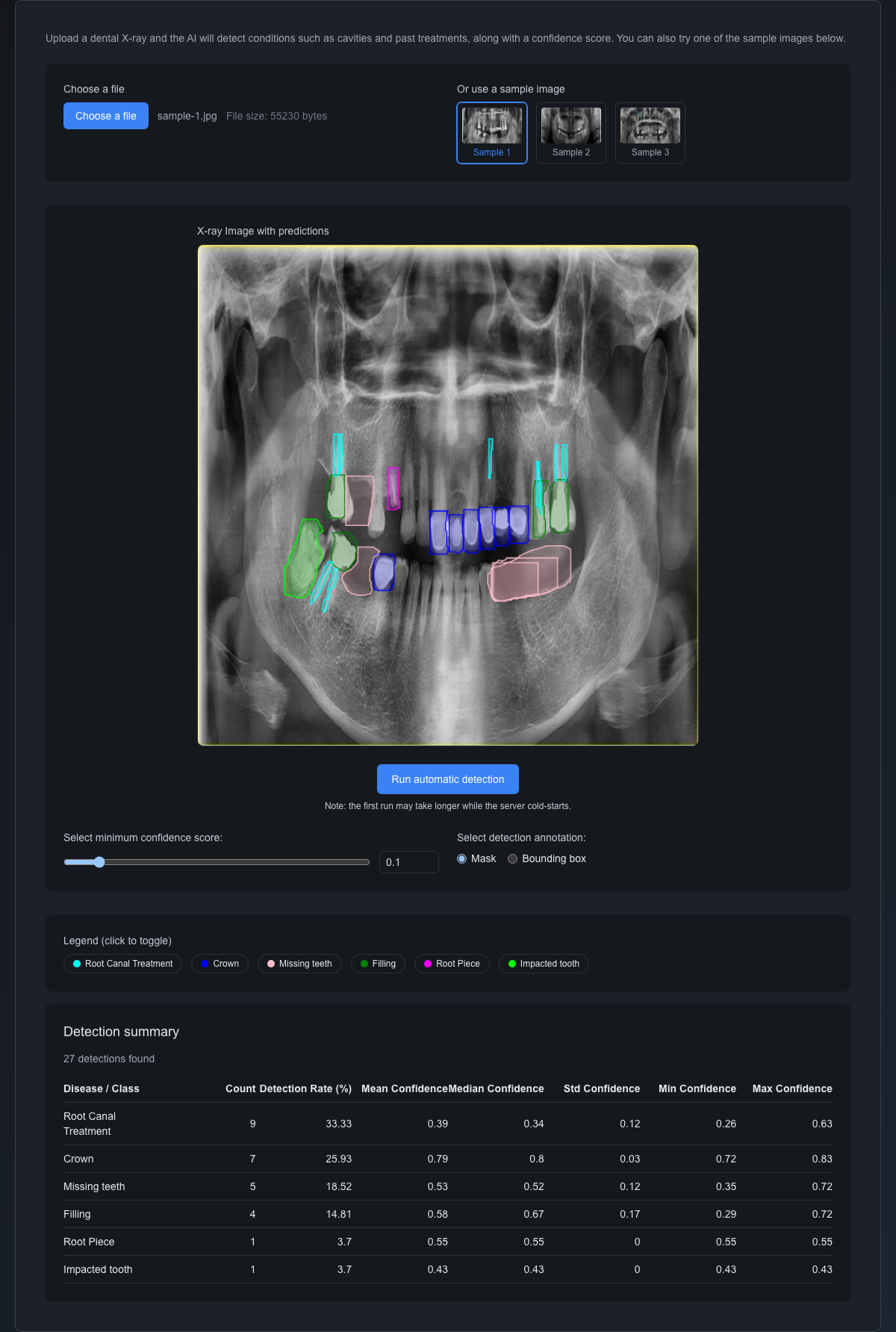
Note: The image is a sample from the public Kaggle dataset "Dental X-Ray Panoramic Dataset" (by Loki Silvres, Apache License 2.0). The display is an example of AI detection results; it is not intended for diagnosis and must not be used for medical decisions.
Closing
Growth's official release is a starting point rather than an end point. Going forward, we plan to extend Growth with a set of features that register all kinds of measurement data in Recorder, the way Stopwatch does, so that measuring takes less effort and the data you record feeds into your target progress. Further ahead, we are also considering extending Growth so that results analyzed with AI, as in Dentiscope above, can be passed on to it.
In parallel, we are building NASEBANAL Evolution, a feature set for managing software quality information. We are currently dogfooding it on the software NASEBANAL itself develops. We will share an update on how that is going in the next post.
Send feedback and requests through the contact form.